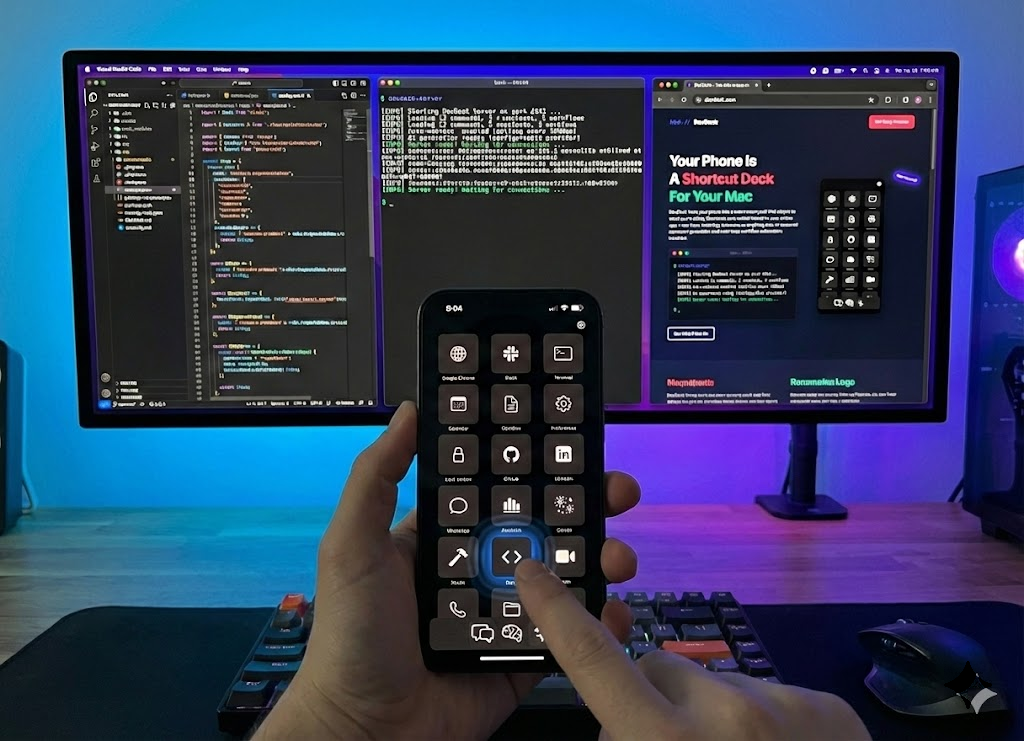
Turn your iPhone or iPad into a powerful command center for your Mac. One tap runs shortcuts, scripts, and workflows — no setup required.
Your deck adapts automatically when you switch apps. The right shortcuts, always at hand.
Describe what you need and AI builds a complete deck of shortcuts tailored to your workflow.
Custom buttons for any action — launch apps, run scripts, control settings. All one tap away.
Chain actions together. One tap to open an app, resize a window, run a command, and more.
Control Chrome from your phone. Click elements, fill forms, navigate — all remotely.
Auto-discovers on your Wi-Fi. No IP addresses, no port forwarding. Just works.
Download the iOS app and the Mac companion to get started.
Required to connect your iPhone. Runs in the menu bar and pairs via QR code.
brew install --cask devdeck-server